

User Activity Monitoring & Audit Logs in Odoo: Enterprise Security Guide
In today’s digital landscape, businesses rely heavily on robust ERP systems like Odoo to streamline operations. However, ensuring data security, compliance, and transparency in user activities is critical to maintaining a secure backend. With the Advanced User Activity Audit and Monitoring module for Odoo, you can track, monitor, and audit all user activities, detect suspicious behavior, and maintain control over your system. This SEO-optimized blog explores how this powerful Odoo module enhances security, compliance, and system transparency through advanced tracking and audit logs.
Why User Activity Monitoring Matters in Odoo
Odoo is a versatile ERP platform that manages critical business data across modules like CRM, inventory, accounting, and more. However, without proper monitoring, unauthorized access or suspicious activities can go unnoticed, posing risks to data integrity and compliance. The User Activity Audit module odoo which provides comprehensive tracking of all user operations—create, read, update, and delete —across all Odoo data models, including third-party models. This ensures complete visibility into user behavior, enabling businesses to:
Enhance Security: Identify and mitigate suspicious activities, such as unauthorized access or data manipulation.
Ensure Compliance: Maintain detailed audit logs to meet regulatory requirements.
Improve Transparency: Gain insights into user behavior and access patterns for better system management.
Prevent Anomalies: Detect and address irregularities before they escalate into major issues.
By implementing advanced user activity tracking, businesses can safeguard their Odoo environment while maintaining operational efficiency.
Key Features of the Odoo User Activity Audit Module
The Advanced User Activity Audit and Monitoring module offers a range of powerful features designed to provide full control over user activities and sessions. Here’s a closer look at its capabilities:
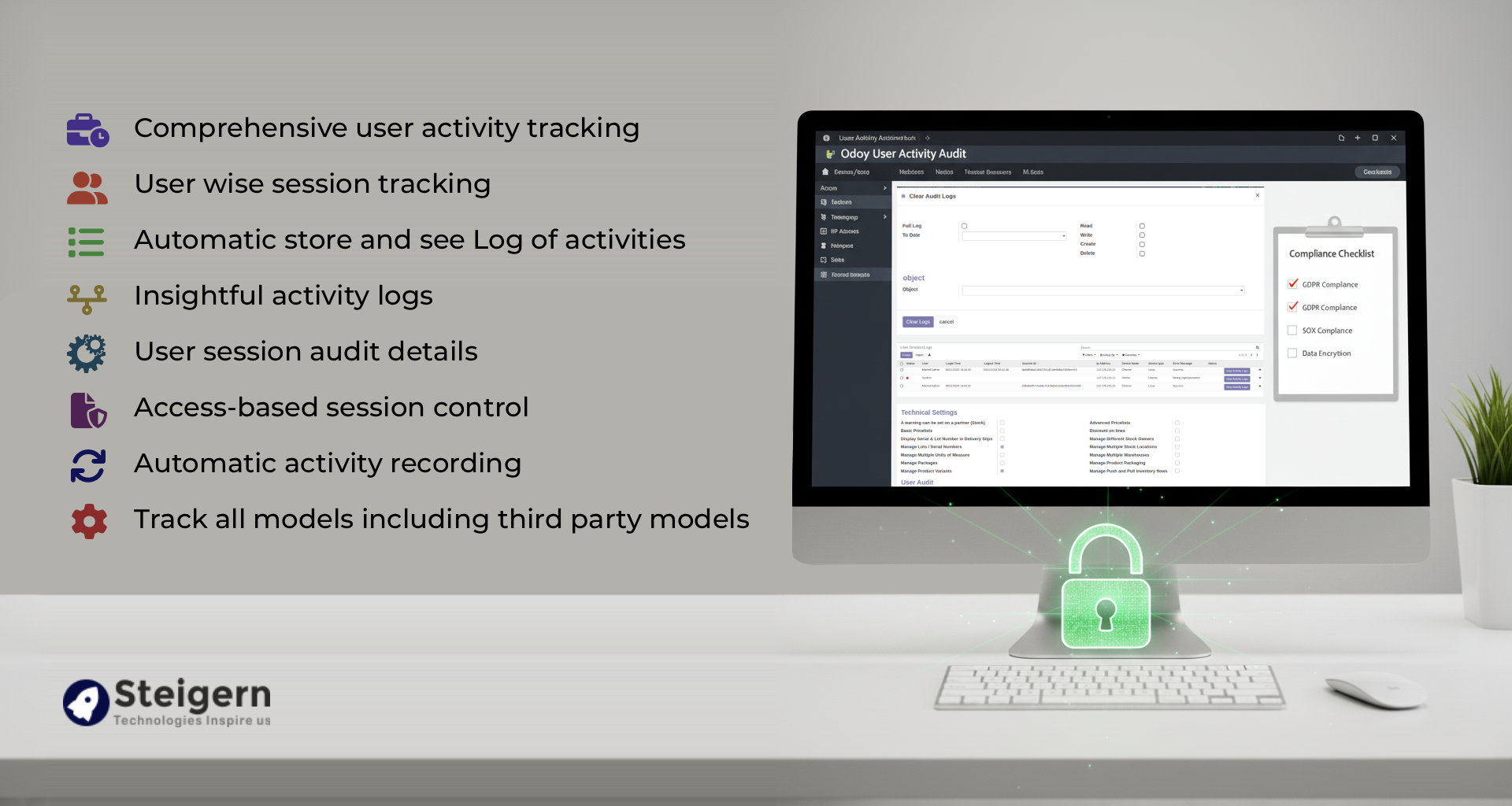
User activity audit Advanced, User Activity Monitoring, Audit Logs and Activity Monitoring, Audit Logs for Odoo Users, User Activity Audit

Comprehensive User Activity Tracking
Track every action performed by users across all Odoo modules, including:
Create: Monitor new record creation.
Read: Track data access and views.
Update: Log changes to existing records.
Delete: Record data deletions with full details.
This feature ensures that every operation is logged, providing a complete audit trail for all user activities.

User-Wise Session Tracking
Monitor individual user sessions with detailed information, including:
IP Address: Identify the source of each session.
Geographical Location: Track where users are logging in from.
Device Type and Browser: Gain insights into the devices and browsers used.
Session Actions: Link specific actions to the session in which they were performed.
This granular tracking allows administrators to trace suspicious activities back to specific sessions and take immediate action.

Automatic Activity Logging
The module automatically records all user activities without requiring manual configuration. Logs are linked to user sessions, providing a seamless audit trail. This eliminates the need for time-consuming setup and ensures that no activity goes untracked.

Insightful and Clean Audit Logs
The module generates detailed yet focused logs, capturing only relevant data to avoid clutter. Key details include:
Date and Time: When the action occurred.
Record ID and Object Name: The specific record and module affected.
User Name: The user responsible for the action.
Action Type: Whether it was a create, read, update, or delete operation.
Old and New Values: For updates, see what changed.
These logs can be filtered by user, model, or action type, making it easy to analyze specific activities or identify patterns.

Access-Based Session Control
Administrators have full control over all user sessions, including the ability to:
View Active Sessions: Monitor all running sessions in real-time.
Kill Suspicious Sessions: Force logout malicious or unauthorized users to prevent further access.
Set Session Timeout: Automatically terminate sessions after a specified duration for enhanced security.
Regular users, on the other hand, are restricted to viewing and managing only their own sessions, ensuring proper access control.

Clear Audit Logs with Flexibility
Admins can manage logs efficiently by:
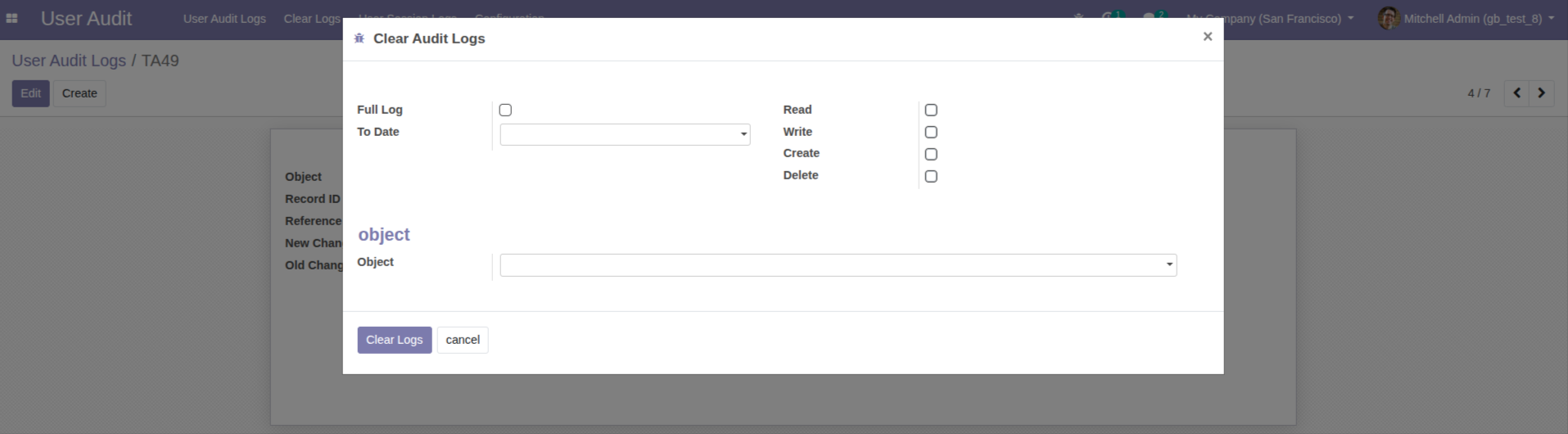
Clearing All Logs: Remove all audit logs when needed.
Selective Log Clearing: Delete logs for specific models or action types. This feature helps maintain a clean and manageable log database while retaining critical information for compliance.

Suspicious Activity Detection and Email Alerts
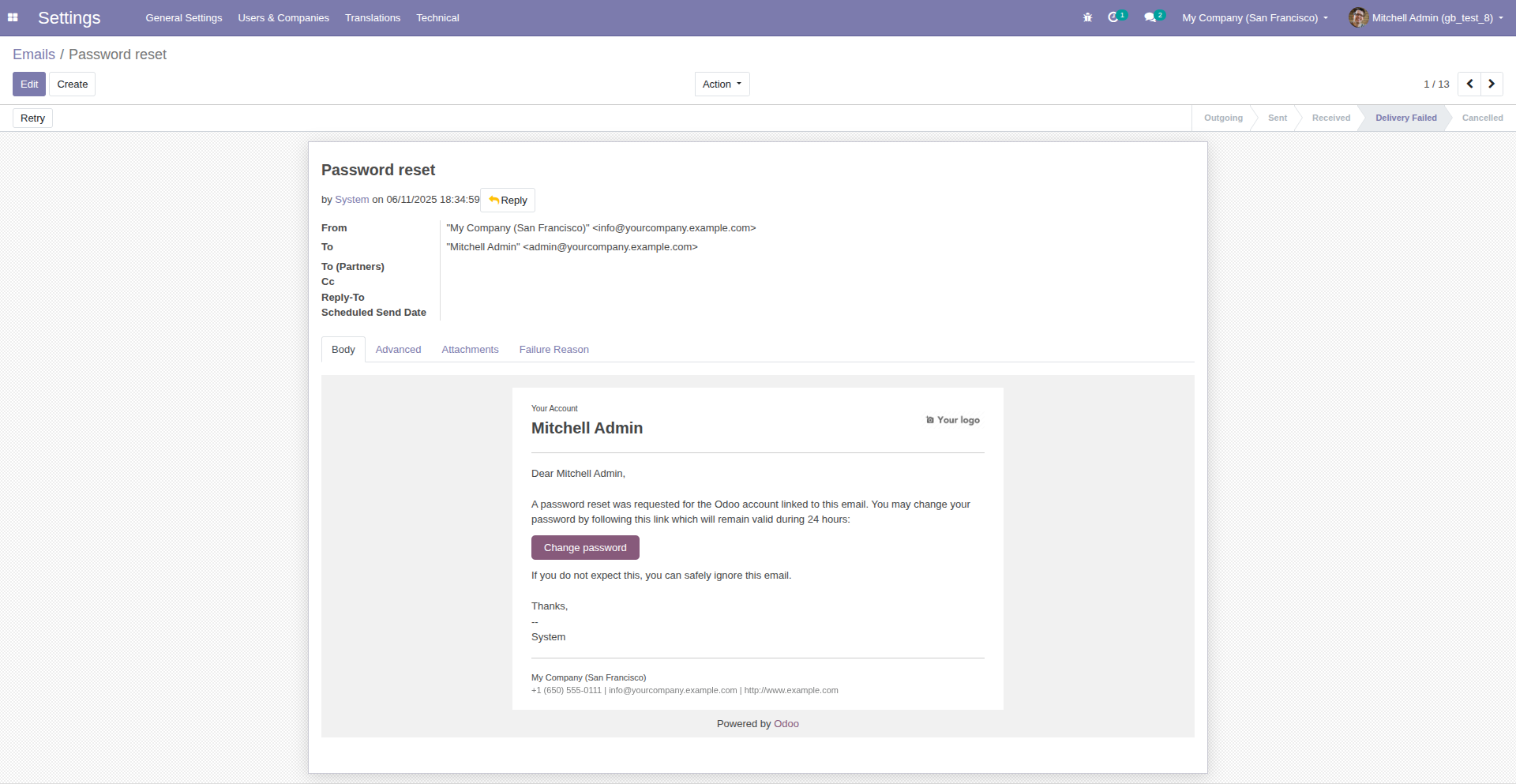
The module enhances security by detecting anomalies, such as repeated failed login attempts. If a user enters incorrect credentials multiple times, the system can send an email with instructions to reset the password, preventing unauthorized access attempts.

Support for Third-Party Models
Unlike basic audit tools, this module tracks activities across all Odoo models, including third-party models. This ensures comprehensive monitoring, even for custom or external modules integrated into your Odoo instance.
How to Set Up the Odoo User Activity Audit Module
Implementing the Advanced User Activity Audit and Monitoring module is straightforward. Follow these steps to get started:
Install the Module: Add the module to your Odoo instance via the Odoo App Store or your provider.
Configure User Settings: Navigate to Settings > Users & Companies > Users to define access rights for audit logs. Assign “User” or “Manager” roles to control who can view or manage logs.
Set Audit Rules: Go to Settings > Technical > Audit > Rules to create rules for specific models. Configure which operations (create, read, write, delete) to log and whether to use “Full Log” or “Fast Log” modes.
Monitor Logs: Access the User Audit Logs Tree View or Form View under Settings > Technical > Audit > Logs to review activities. Filter logs by user, model, or action type for detailed analysis.
Manage Sessions: View and control sessions in the User Session Logs Tree View under Settings > Technical > Audit > User Sessions. Terminate suspicious sessions as needed.
Clear Logs: Use the Clear Log option to remove all logs or specific records, ensuring a clean database.
How to configure Activity Monitoring and User Audit in odoo
1. Set your User Settings In Setup
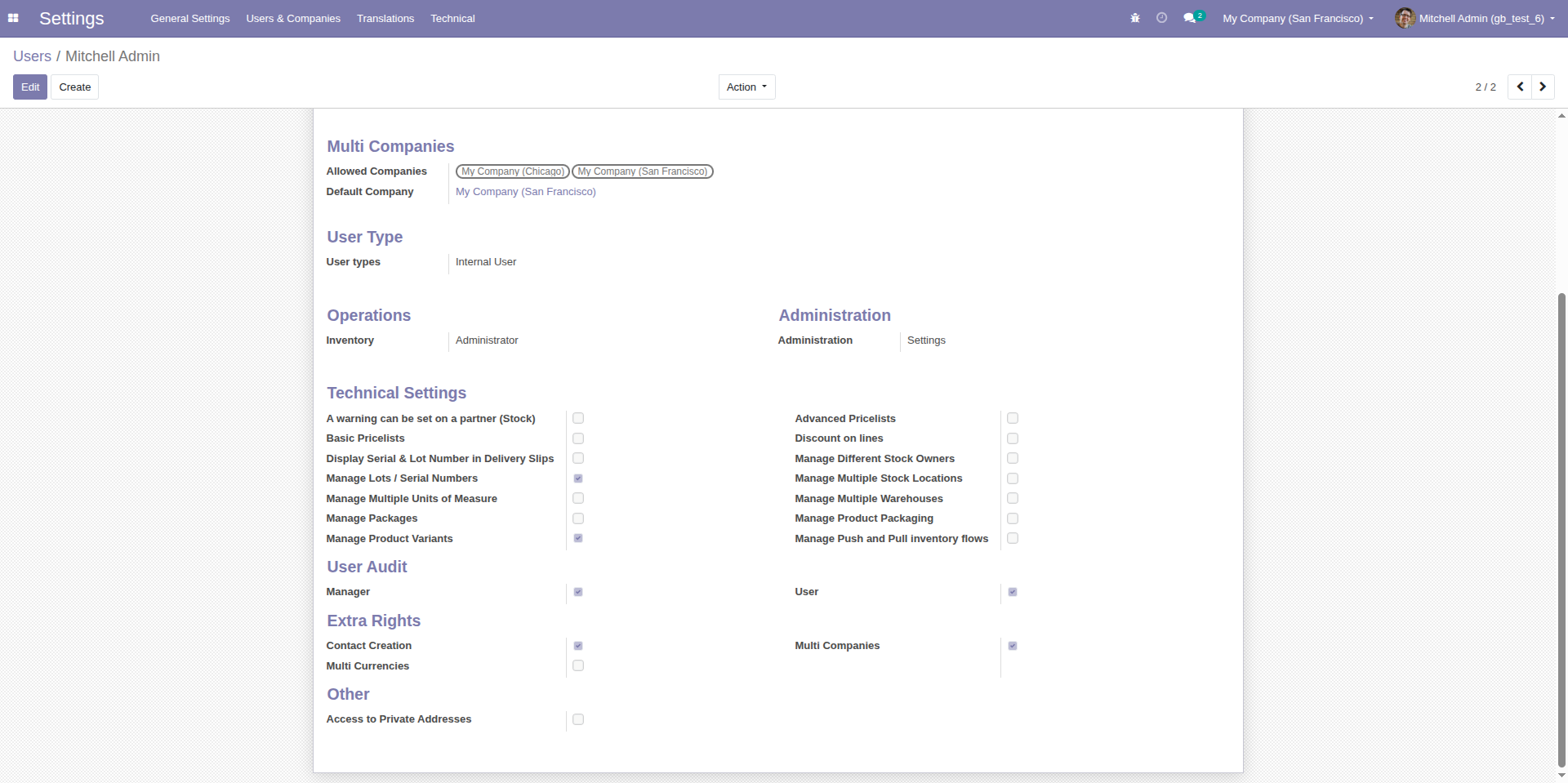
Set your User Settings In Setup
2. Set Configuration You Can Manage Object Use Can Read, Write, Create, Delete.
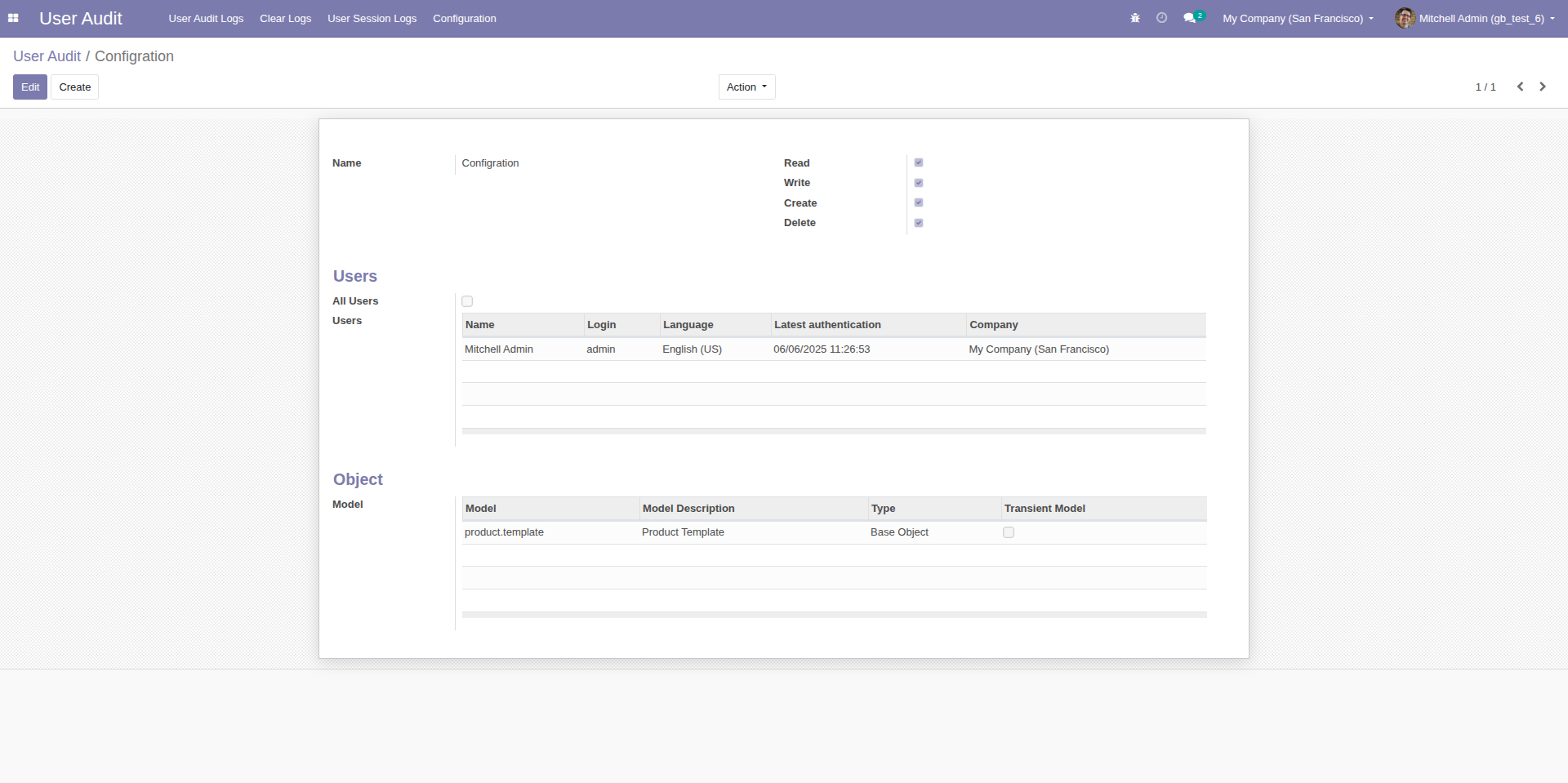
Set Configuration You Can Manage Object Use Can Read, Write, Create, Delete
3. User Audit Logs Tree View.
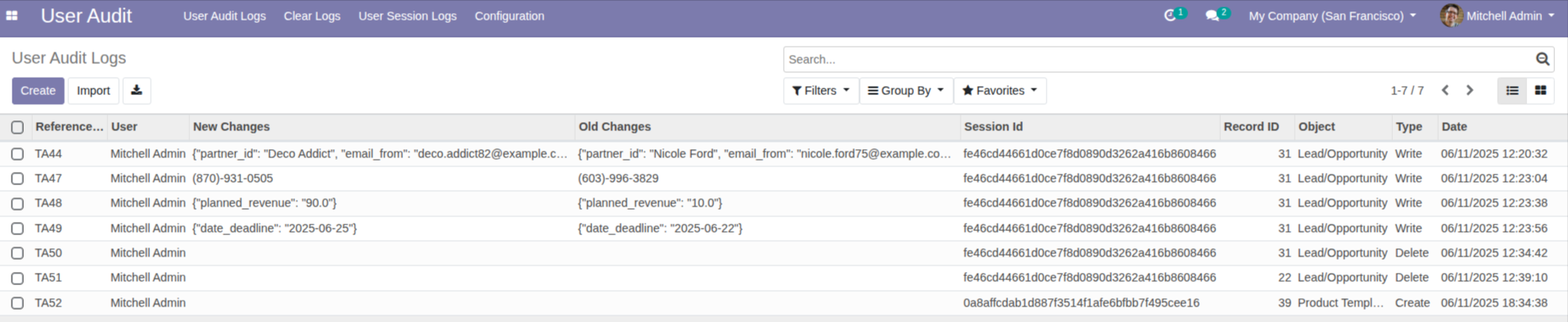
User Audit Logs in odoo Tree View
4. User Audit Logs Form View.
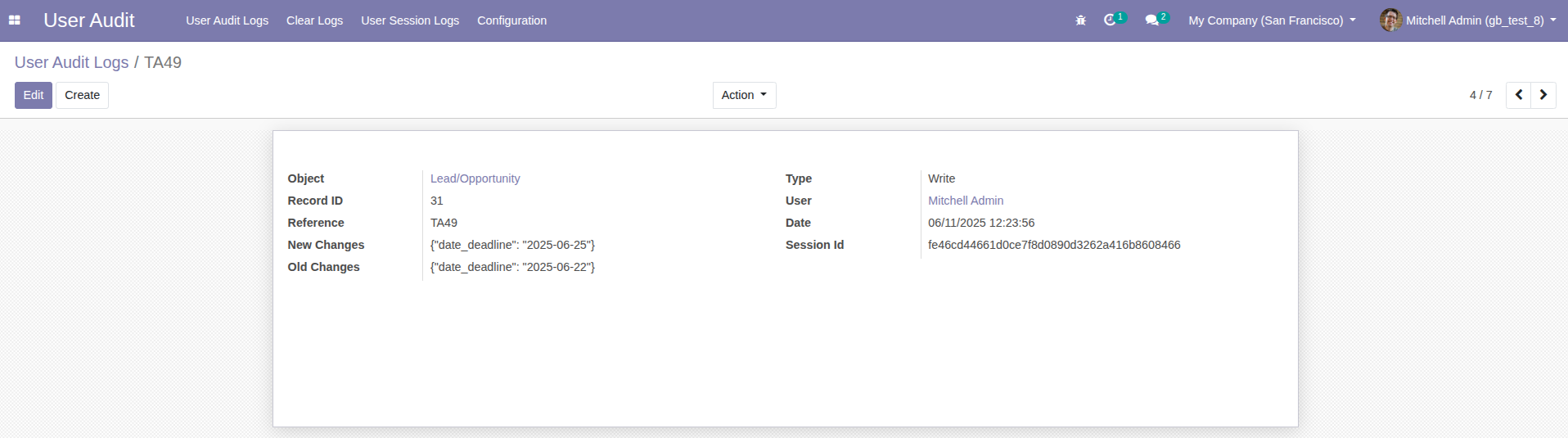
User Audit Logs Form View
5. Clear Audit Logs YOu Can Clear All Logs or Specific Record Delete
6. User Session Logs Tree View.

7. if user can enter wrong username and password so email sent for reset password.
Benefits of Using the Odoo User Activity Audit Module
By integrating this module into your Odoo environment, you gain:
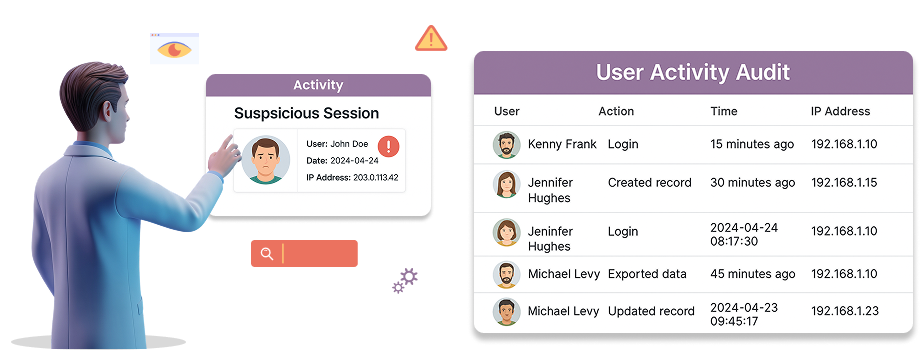
Benefits of Using the Odoo User Activity Audit Module
Enhanced Security: Detect and respond to suspicious activities in real-time.
Compliance Support: Maintain detailed audit trails for regulatory requirements.
Improved Transparency: Gain insights into user behavior and system usage patterns.
Proactive Anomaly Detection: Identify and address potential threats before they escalate.
Streamlined Management: Easily configure audits, manage sessions, and clear logs.
Why Choose Our Odoo User Activity Audit Module?
Our Advanced User Activity Audit and Monitoring module stands out for its robust features, ease of use, and comprehensive tracking capabilities. Whether you’re a small business or a large enterprise, this module ensures your Odoo backend remains secure, compliant, and transparent. With automatic logging, detailed insights, and session control, you can focus on running your business while we handle the monitoring.
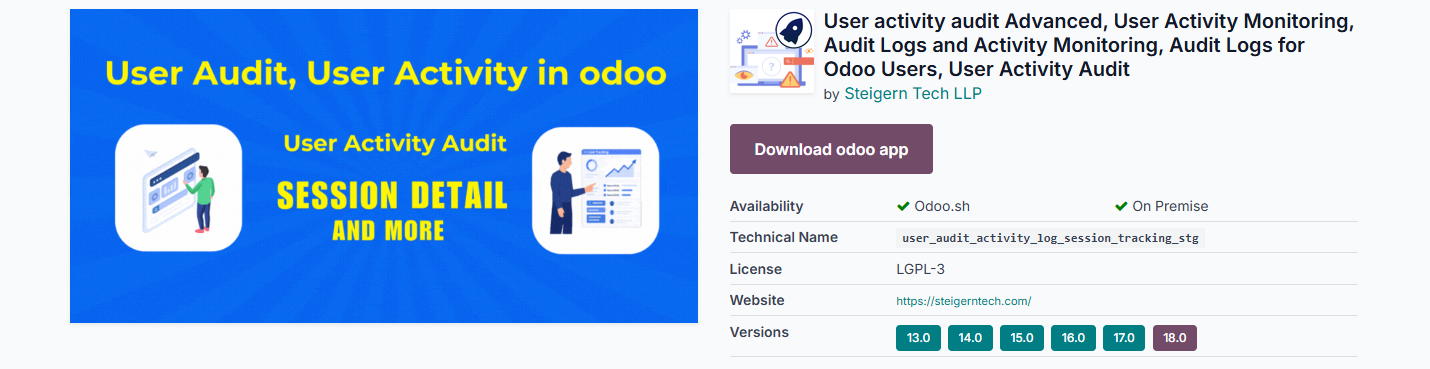
User activity in odoo, User Activity Monitoring odoo, Audit Logs for Odoo Users FROM Odoo Apps
Download – User activity in odoo, User Activity Monitoring odoo, Audit Logs for Odoo Users FROM Odoo Apps:
Conclusion
The User Activity Audit and Monitoring module for Odoo is a must-have for businesses prioritizing security, compliance, and transparency. By tracking all user activities, monitoring sessions, and providing detailed audit logs, this module empowers administrators to maintain a secure and efficient Odoo environment. From detecting anomalies to ensuring compliance, it offers everything you need to safeguard your ERP system.
Ready to enhance your Odoo security? Install the User Activity Audit module today and take control of your system’s monitoring and compliance needs. For more information or support,
contact us at

+91 94275 72571
or

Keywords: Odoo user activity audit, Odoo activity monitoring, audit logs Odoo, user session tracking, Odoo security, compliance tracking, anomaly detection, Odoo backend monitoring, user activity tracking module, Odoo audit trail.
Topics covered in this teardown:
Trending Topics
Related Articles
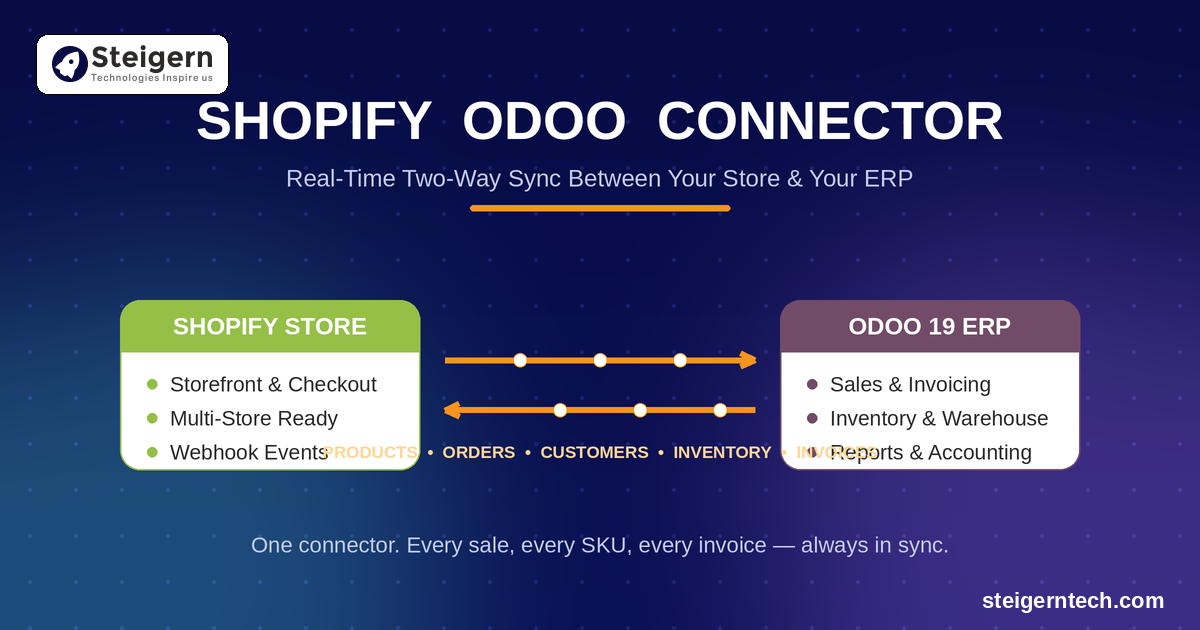
Shopify Odoo Connector: The Complete Guide to Seamless Shopify Odoo Integration
Jul 2026
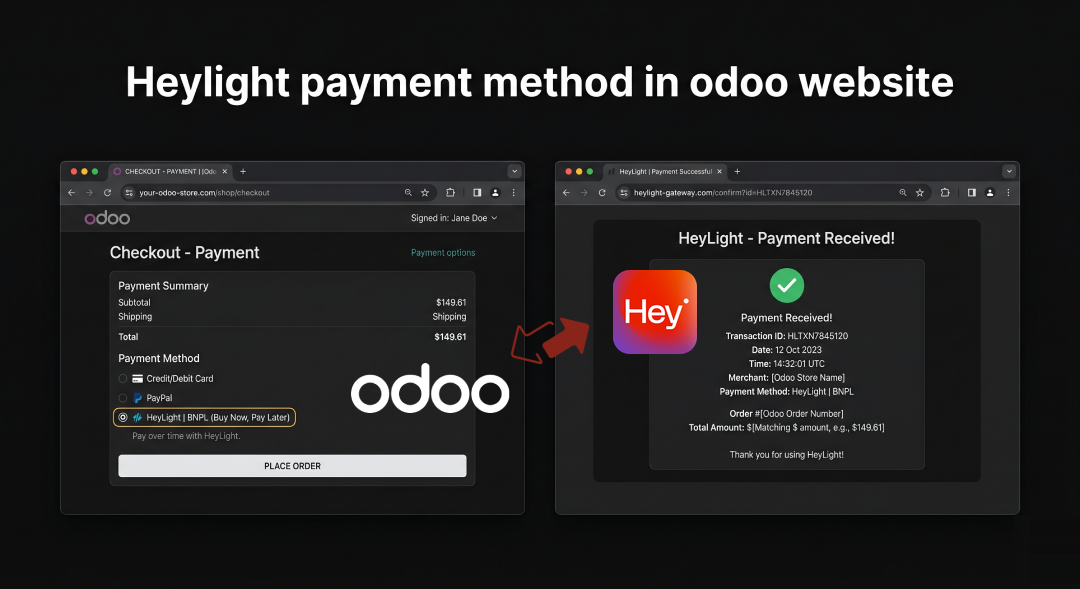
HeyLight Buy Now, Pay Later in Odoo: Maximize eCommerce Conversions
Apr 2026

How to Succeed in the Odoo Migration Process: Zero-Downtime Playbook
Oct 2025

AI Policy: The Game Changer for Modern Developer Teams
Jul 2026
Send us a message
We'd love to hear from you
Yes, I am OK to receive further communication over my details shared here. Refer Privacy Policy for more info.
Related Engineering Insights
How to Succeed in the Odoo Migration Process: Zero-Downtime Playbook
Industry studies show that over 60% of ERP migrations suffer delays, budget overruns, or data loss. Discover Steigern Tech's battle-tested strategy for upgrading Odoo versions, migrating custom modules, and ensuring zero data loss.
Shopify Odoo Connector: The Complete Guide to Seamless Shopify Odoo Integration
Connect multi-store Shopify storefronts with Odoo ERP using Steigern Tech's high-throughput bridge. Eliminate manual entry, synchronize inventory in real time across Odoo 14 through Odoo 19, and automate end-to-end order-to-cash workflows.
HeyLight Buy Now, Pay Later in Odoo: Maximize eCommerce Conversions
Integrate HeyLight Buy Now, Pay Later (BNPL) payment acquirer into your Odoo eCommerce checkout. Learn how flexible installment options reduce cart abandonment and increase average order values by up to 35%.
Ready to engineer your system with production discipline? Talk to our lead architects.
Our senior engineers review your requirements, design the technical roadmap, and deploy dedicated squads tailored to your tech stack.